Tattoo simulator
See a tattoo on your body before you get it.
Photograph the spot, add any design, and InkAge shows it on your own skin — and how it will look in 10, 30 and 50 years.
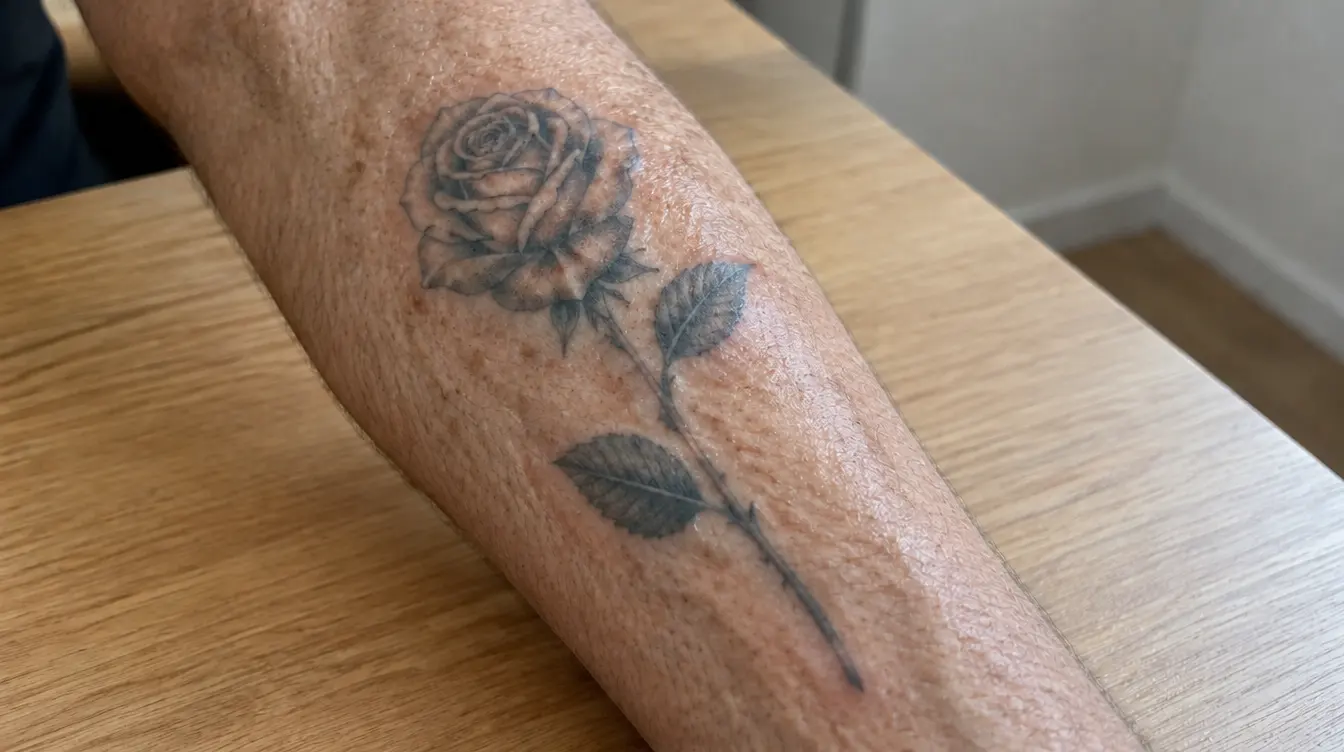
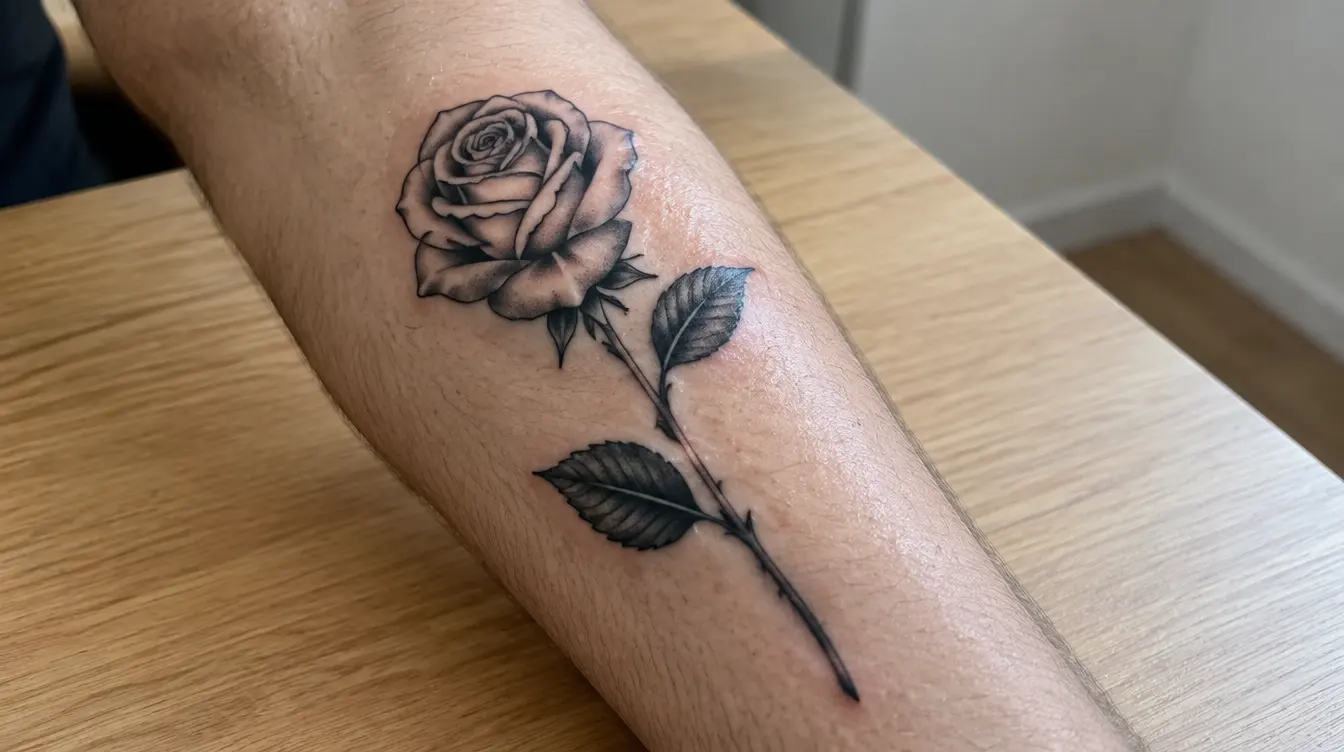
Example made with InkAge. Previews are AI estimates, not a guarantee.
What the tattoo simulator does
InkAge is a tattoo try-on app. You take or upload a photo of the place where the tattoo would go and add a design: a photo, a screenshot, a sketch or a design from the InkAge library. Then you move, resize and rotate it on your skin, with the size shown in centimetres.
AI then draws the design into your photo, keeping your skin tone, your light and the shape of your body, so it looks like a tattoo, not a sticker. The same preview shows it healed after a year and at 10, 30 and 50 years.
It is an AI estimate, not a promise. Your artist, the ink, your skin, sun and aftercare decide the real result. Use the preview to compare sizes, spots and designs, and to talk them through with your artist.
How it works, in three steps
- 1Photograph the spot
Daylight, the area in focus. The app checks light and focus and finds the bare skin.
- 2Add and place the design
A photo, screenshot, sketch or library design. Drag, pinch and rotate it into place at real size.
- 3See it on your skin
In about a minute: realistic images fresh, healed and at 10, 30 and 50 years, with a 0–100 longevity score.
Questions and answers
Can I see a tattoo on my body before getting it?
Yes. Photograph the spot, add the design and place it at the size you want. InkAge draws it into your photo, so you see it on your own skin, not on a model.
Which designs can I try on?
Any image: a photo of someone else’s tattoo, a screenshot, a sketch, or a design from the InkAge library. If a photo shows several tattoos, you pick one and only that design is cut out.
Can I try different sizes and body areas?
Yes. You set the size in centimetres and can make new previews on other spots. An account comes with 30 previews a month.
Can I try a tattoo I already have?
Yes. Upload a photo of your existing tattoo to see how it will age, or to see a laser removal preview after 3, 6 and 10 sessions.
How realistic is the result?
The images keep your skin tone, light and body shape, so they look like a real tattoo on you. They are still AI estimates, not a guarantee: the real tattoo depends on your artist, the ink, your skin and aftercare.
What do I need to start?
An account (one tap with Google or Apple, or e-mail) and a photo. InkAge runs in the browser on phones and computers, so there is nothing to install.
See it on your skin before it’s permanent.
One-tap sign-up with Google or Apple · 30 previews a month · About a minute