Your tattoo,
50 years
from now.
Put any design on a photo of your own body. See it fresh, healed, and at 10, 30 and 50 years — on your skin — before it’s permanent.
Free after a one-tap sign-up with Google or Apple.


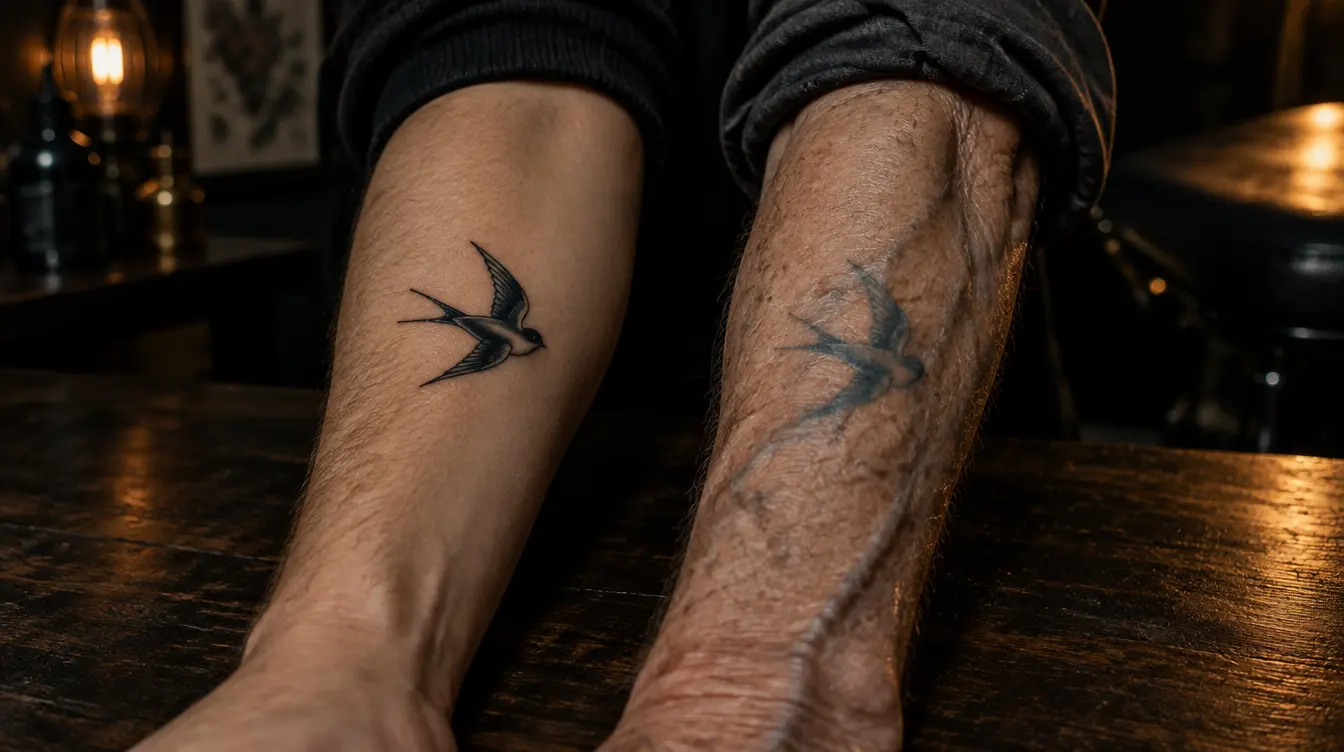
Same tattoo. Fifty years apart.
Drag the line. Left is the day it was done, right is half a century of sun, skin and time — on the same arm.
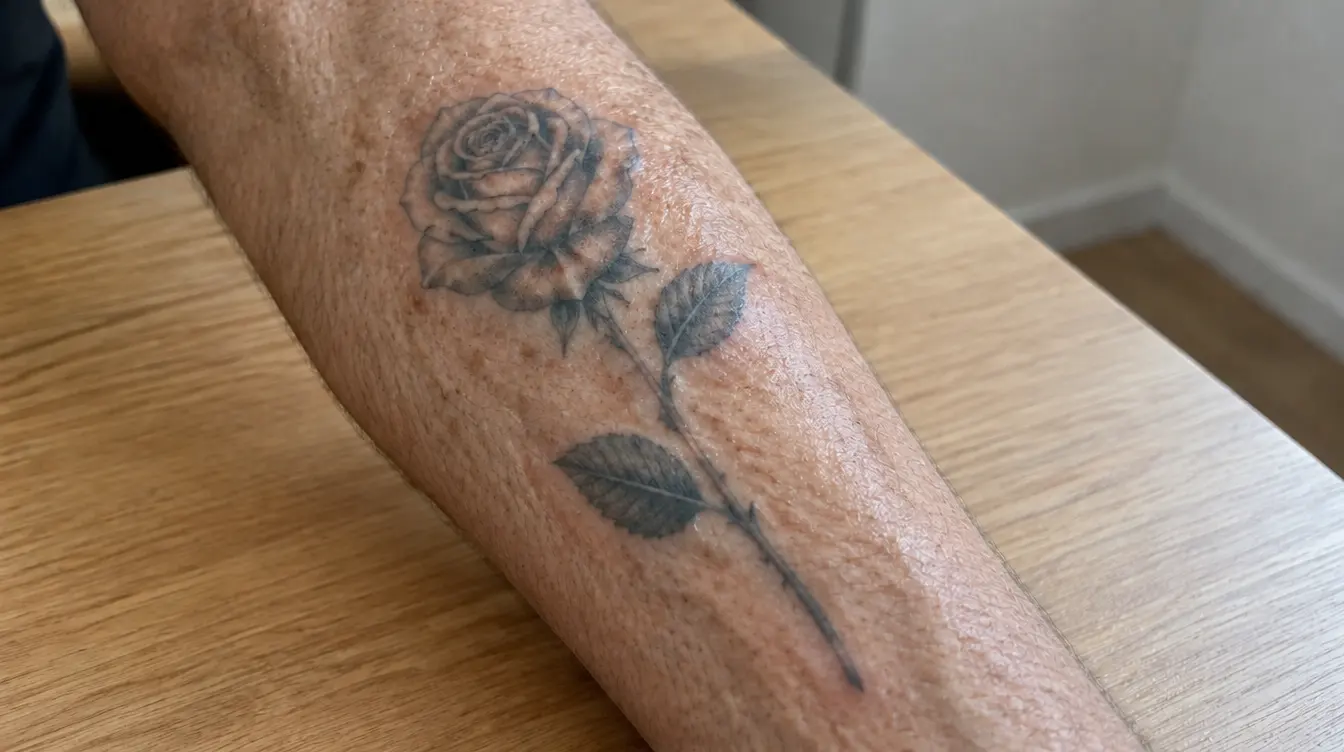
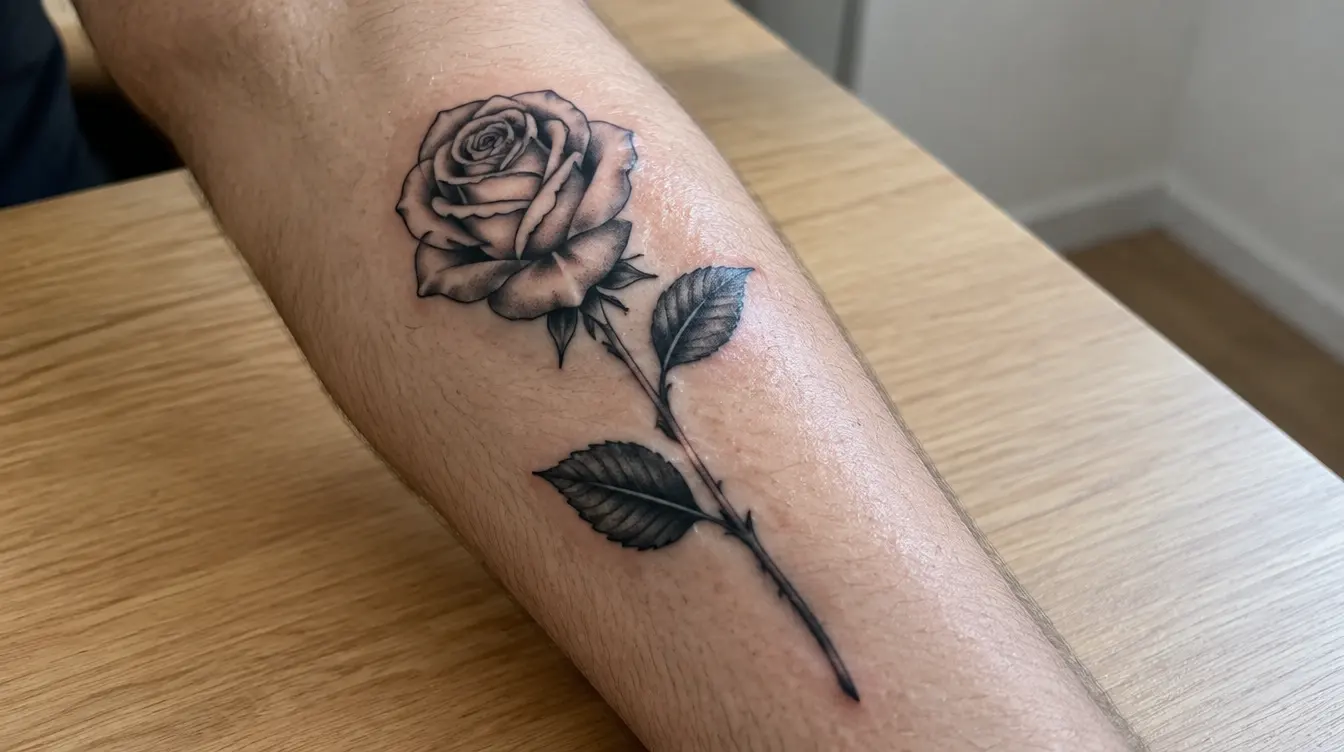
Example made with InkAge. Previews are AI estimates, not a guarantee.
How it works
From photo to 50 years, in about a minute.
- 01
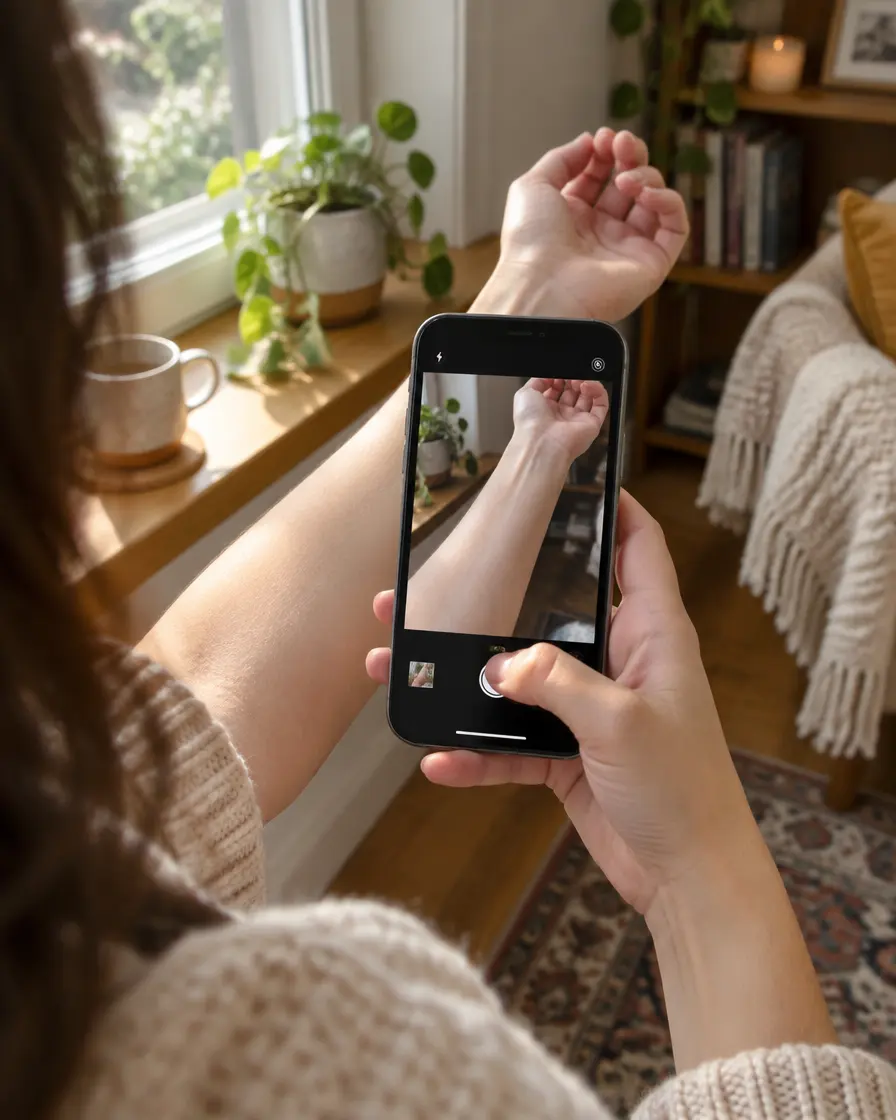
Your photo
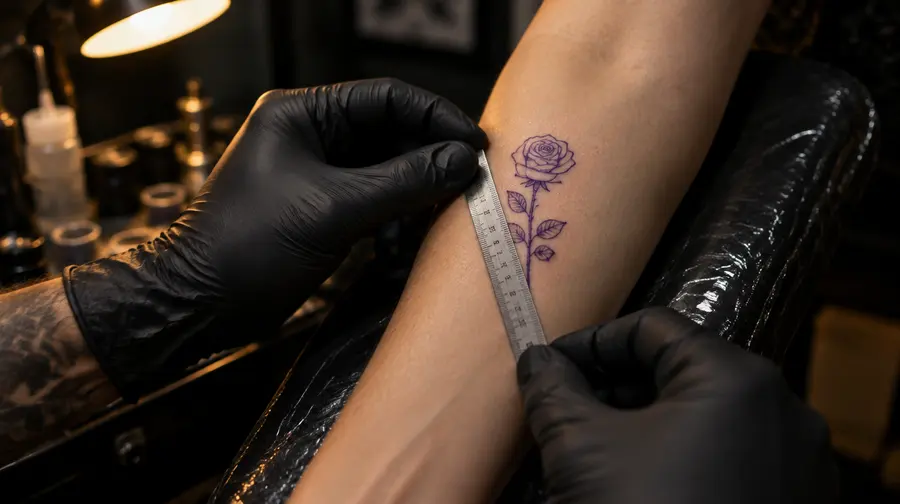
Snap the spot where the tattoo will go. We check light and focus, and find the bare skin.
- 02
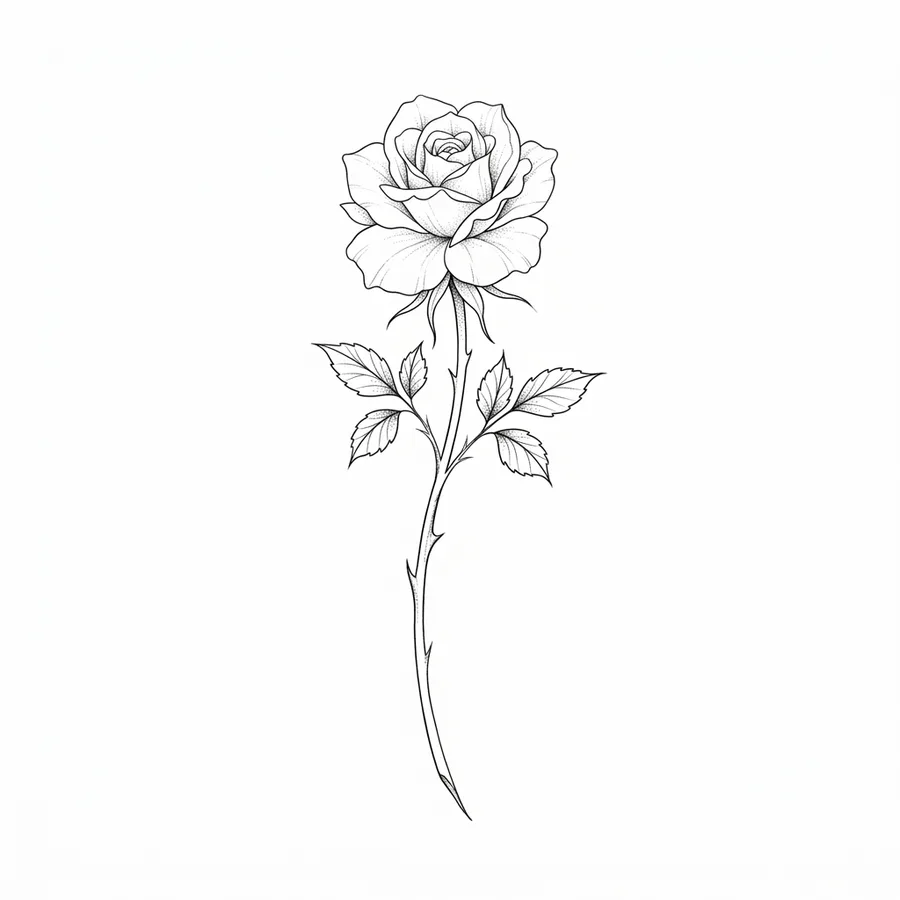 PinterestScreenshotSketch
Any design
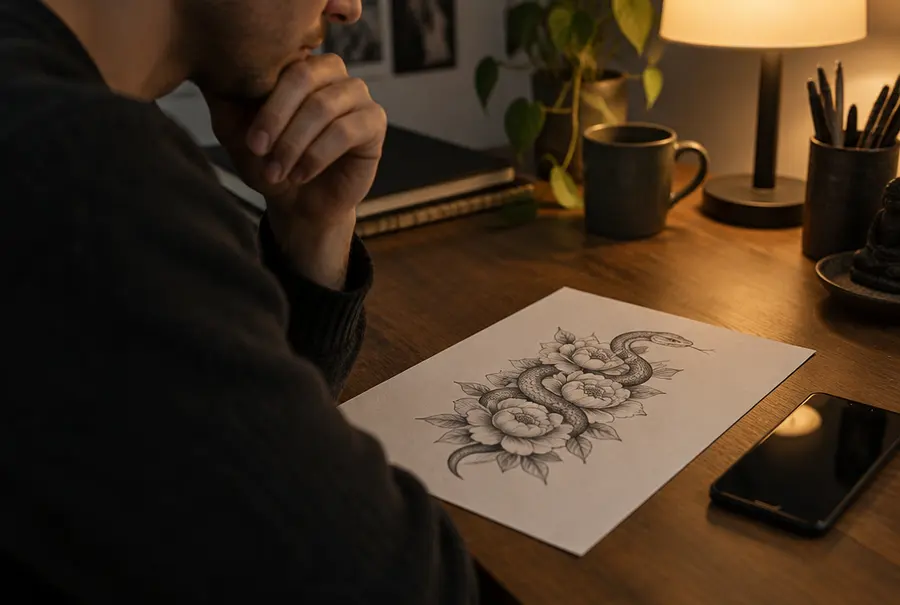
From a photo of someone else’s arm we cut out only the tattoo — no person, no clothes, no background.
- 03
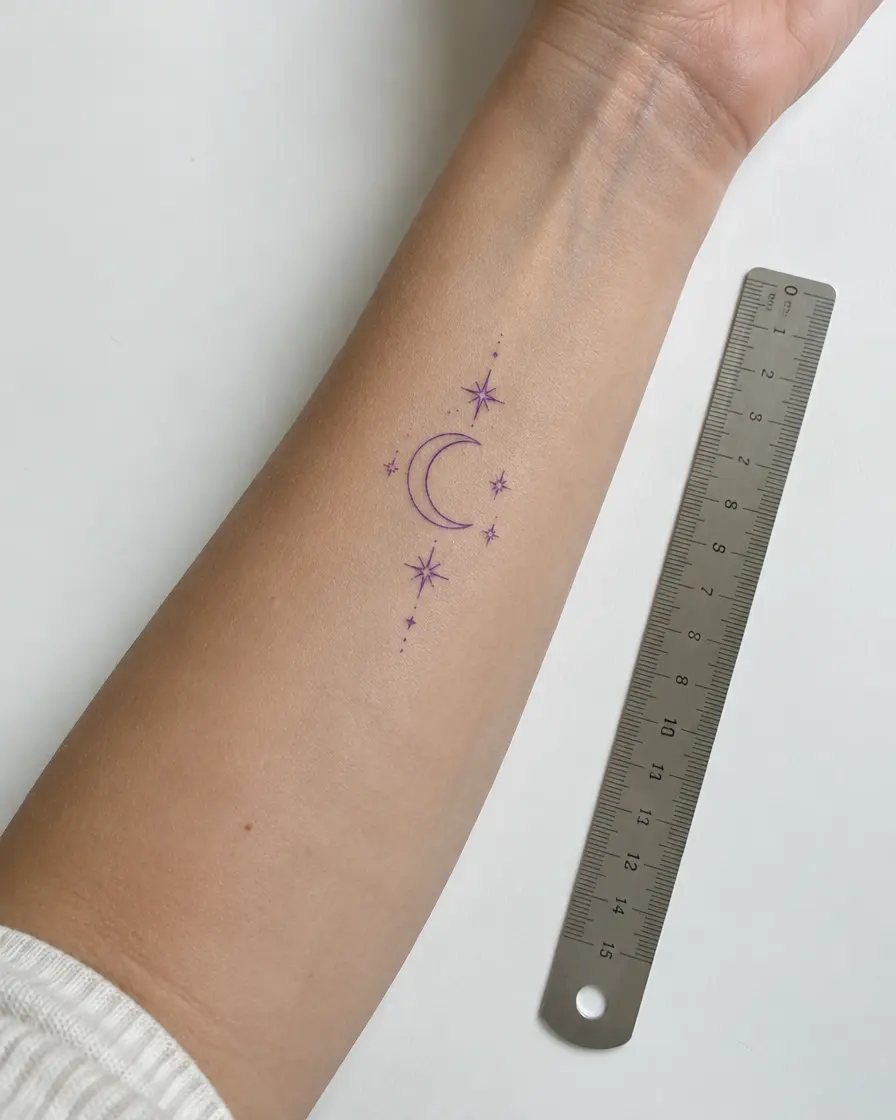 ≈ 6 cm
Place it
Drag, pinch and rotate it into place, with the real size in centimetres. It only ever goes on skin.
- 04
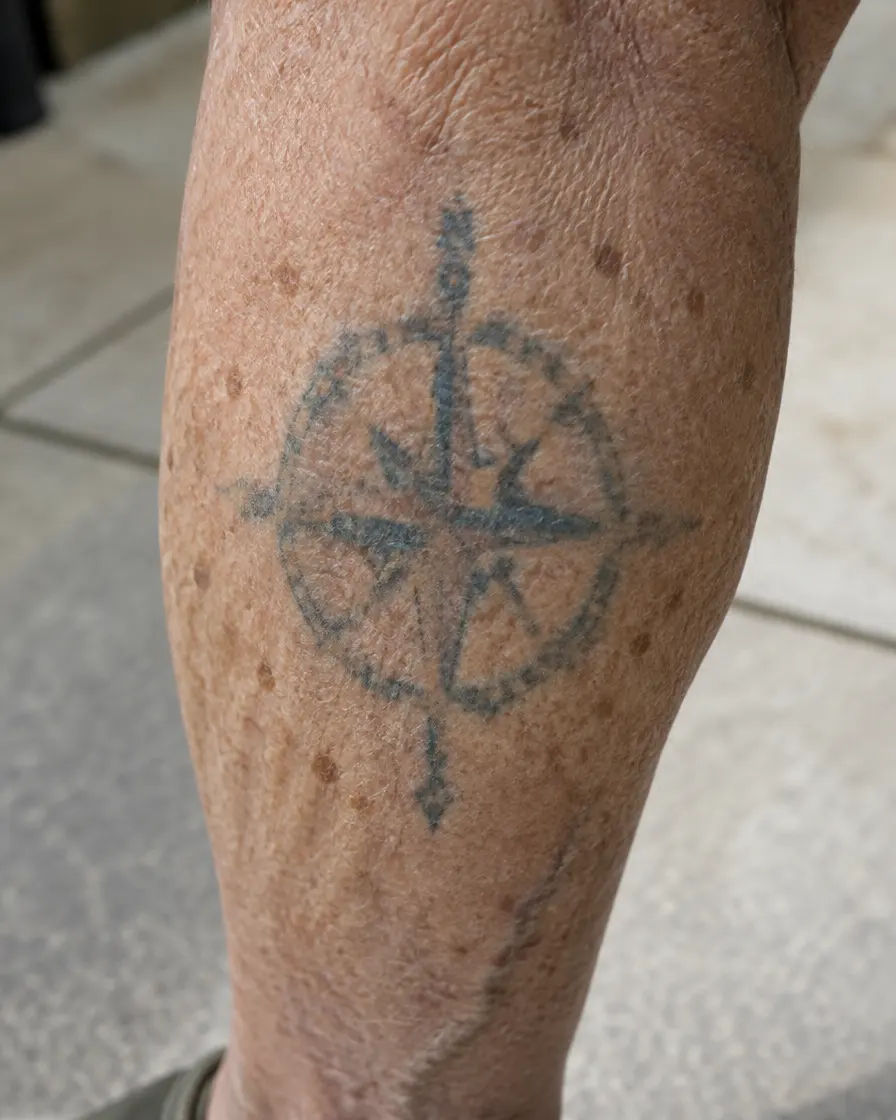 50years later
Watch it age
Realistic images on your own skin at 1, 10, 30 and 50 years, with a longevity score and tips.
- 05

Ask your friends
A TikTok-ready video, or a link where friends vote: “get it”, “change it” or “which one?”.
Made for every kind of tattoo decision.
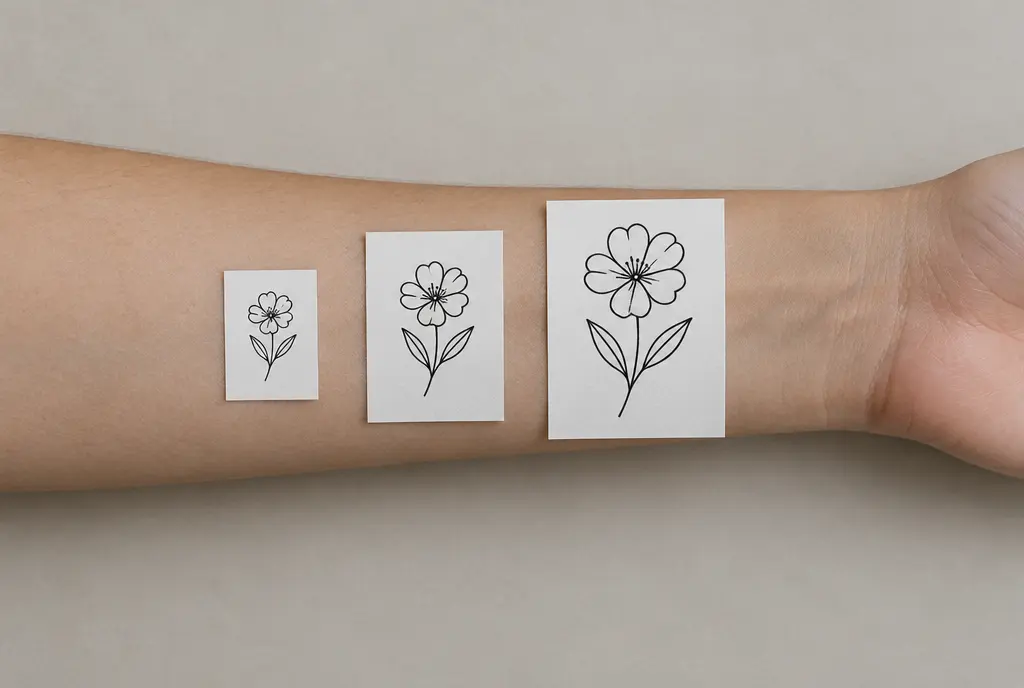
Decide calmly, not in the chair.
Try three placements and four sizes on your own photo in an evening. See which one still reads at 30 years, then book with confidence.
- Placement and size in real centimetres
- A longevity score that explains itself
- A link so friends can vote
More than a picture
Everything you need to decide.
Ink longevity score
- +4 Bold black lines last longest
- −8 Very fine detail for this size
- +3 Upper arm ages gently
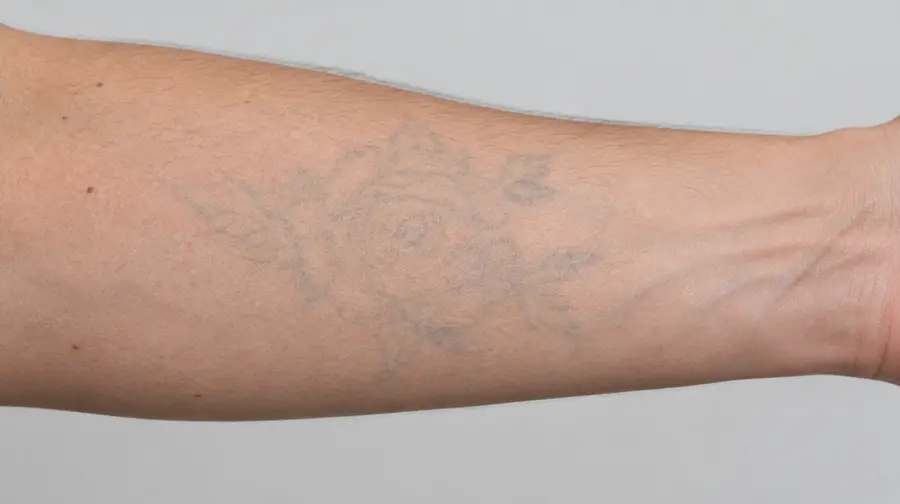
What if you regret it?
A laser removal preview after 3, 6 and 10 sessions.
See the removal preview →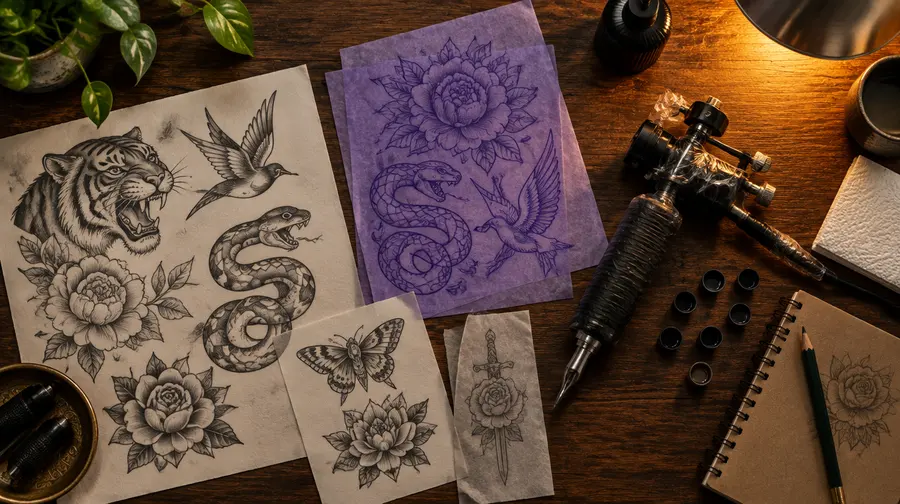
A PDF for your artist
Design, size, placement and previews on one page.
Videos and vote links
Five ready templates for TikTok, Reels and Shorts.
Make it last
We redraw a fragile design the way an experienced artist would — and show how that version ages.
What changes, and when.
InkAge renders five moments, each based on how ink, skin and sun usually behave over time.
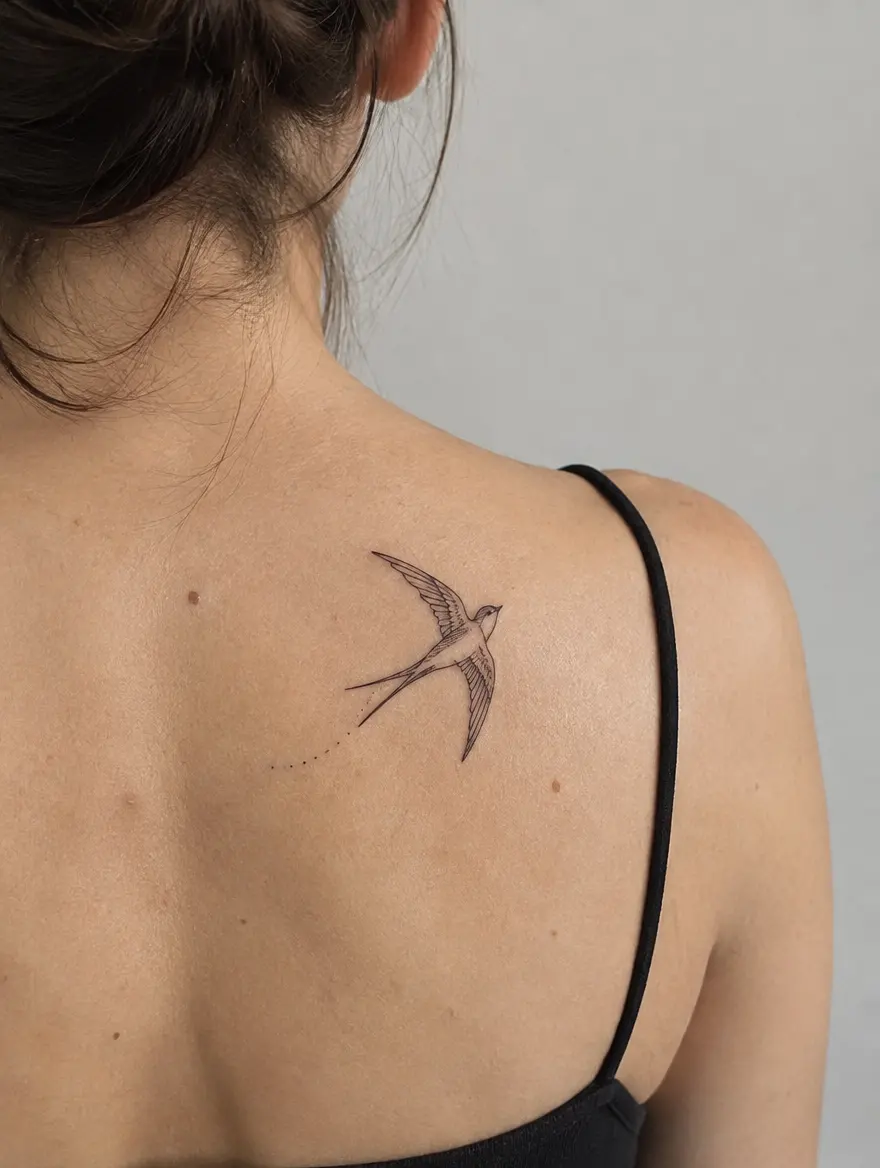 Day 1
Day 1Fresh
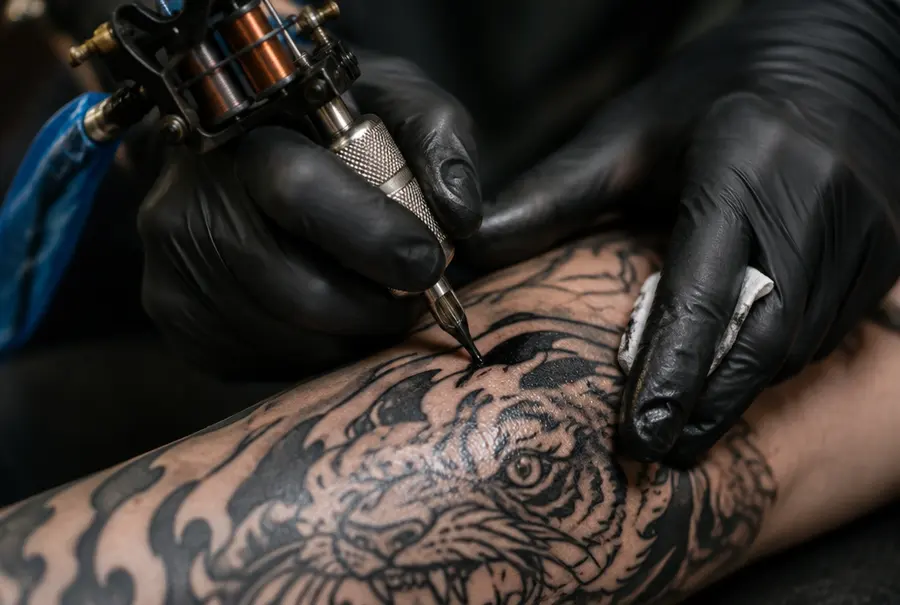
Sharp, dark and slightly raised. This is the version most photos show — and the one that lasts the shortest.
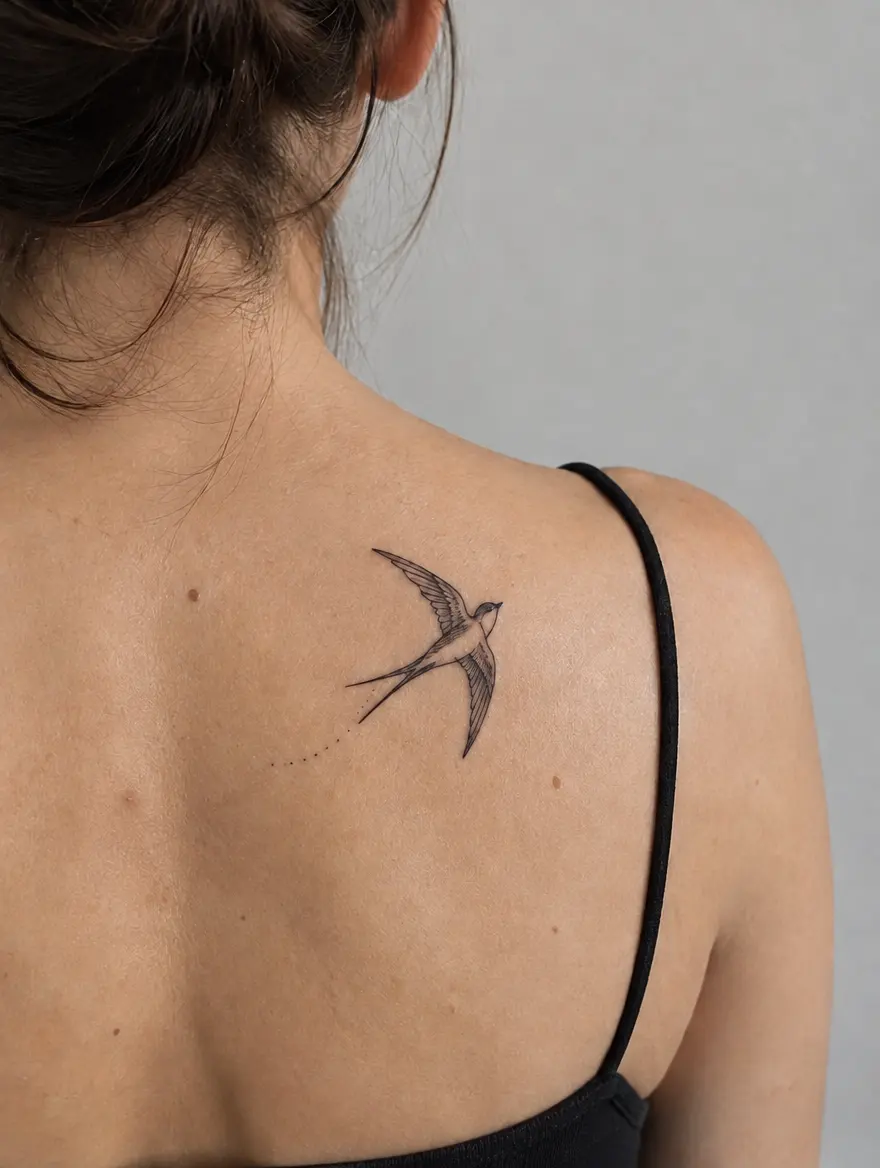 1 year
Healed
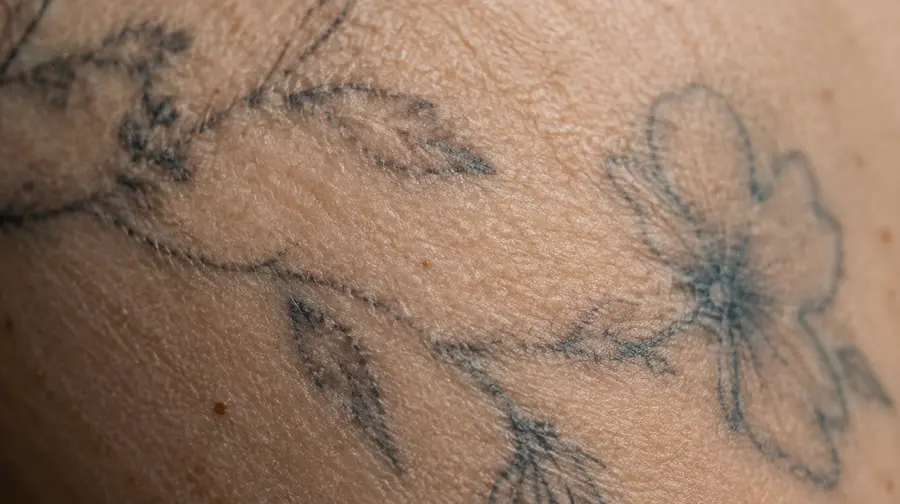
The top layer of skin has renewed. Lines look a touch softer and lighter than on day one.
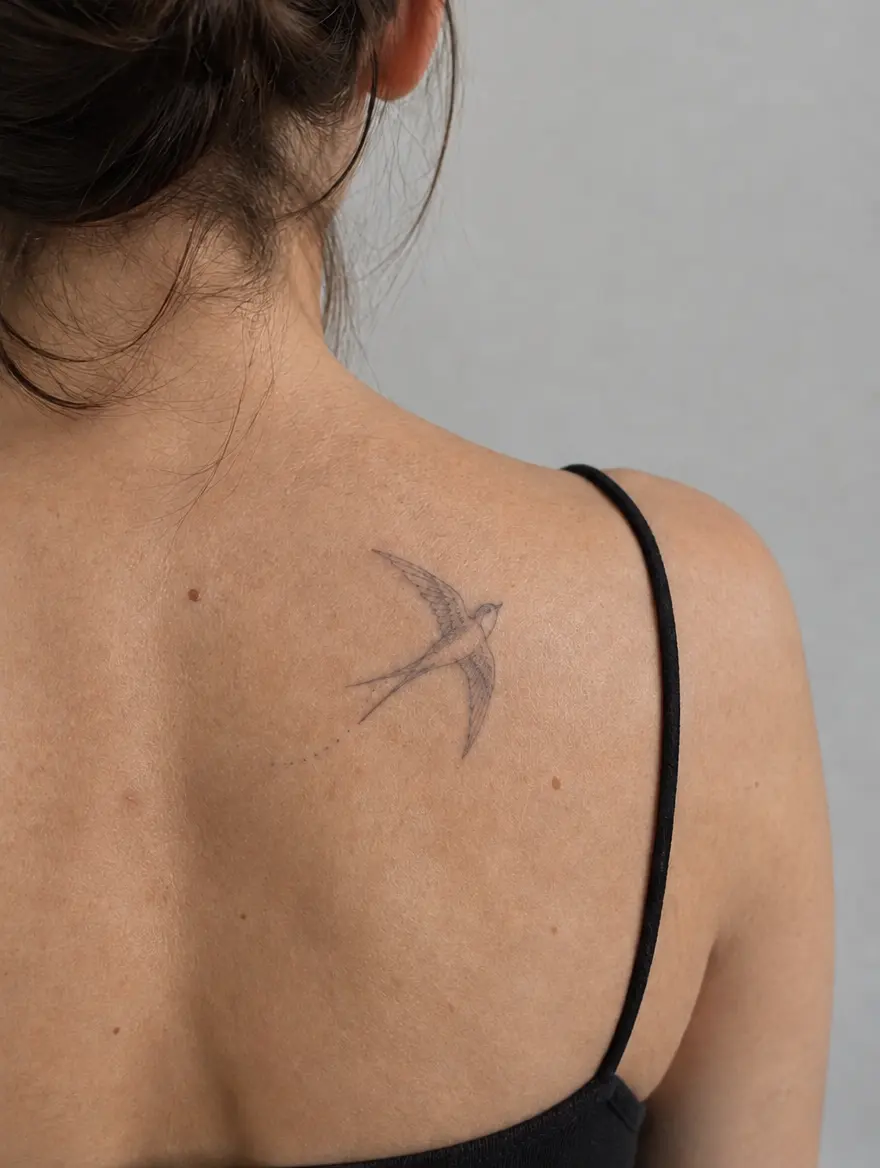 10 years
Settled
Fine details start to soften; light colours fade first, especially where the sun reaches.
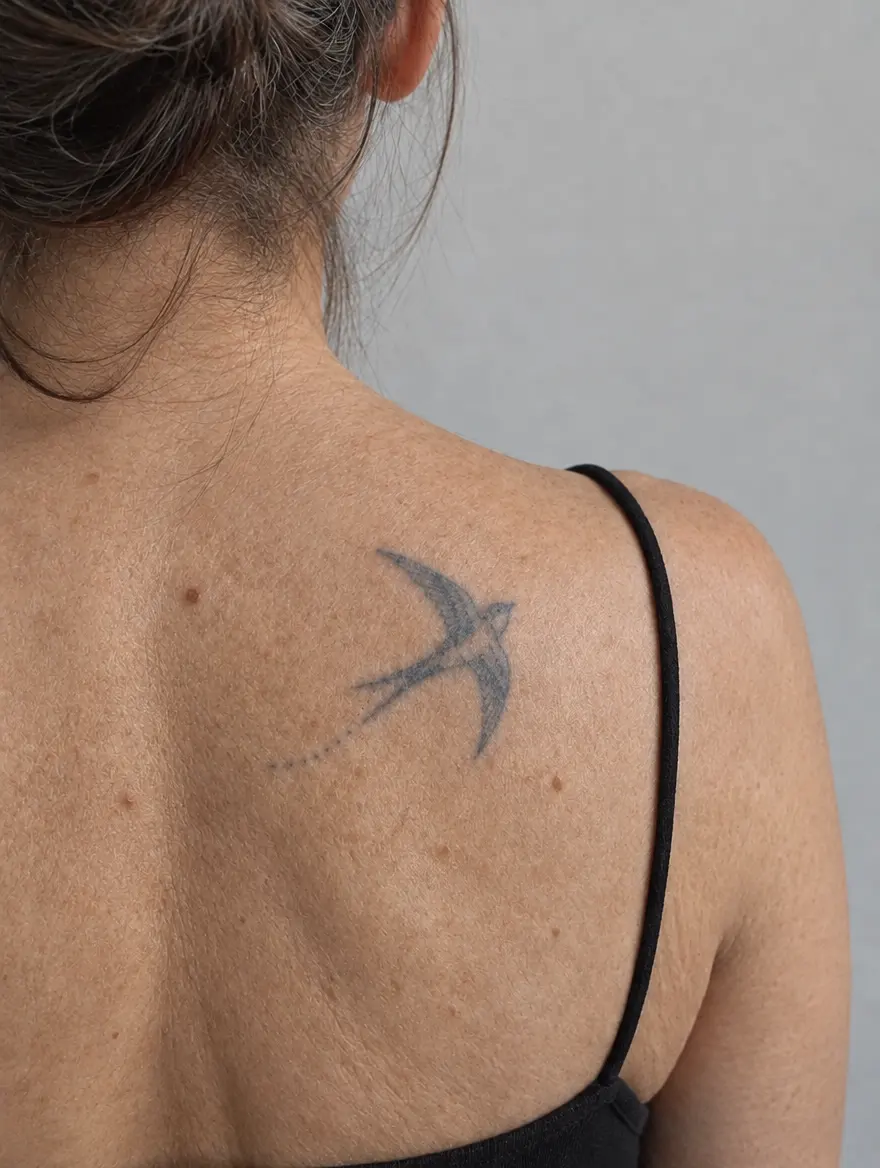 30 years
Mature
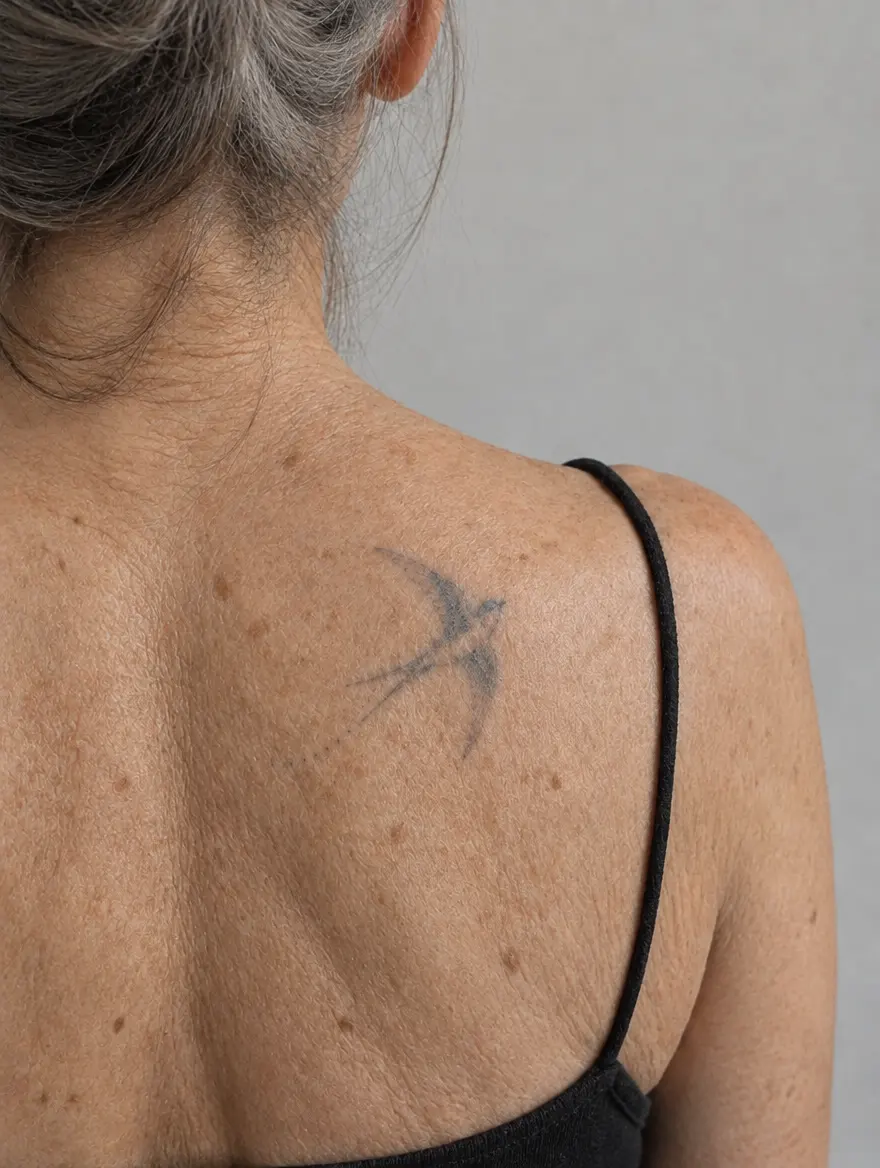
Lines closer than about 1 mm may have merged. Bold, spaced designs still read clearly.
 50 years
A lifetime
Skin itself has aged and carries the ink with it. Strong outlines are what keep the shape.
The details that make it believable.
Smart cut-out
Found the tattoo on someone else’s arm? We frame every design in the picture and cut out only the one you choose.
Only on skin
A skin mask keeps the design off clothes, hair and background — like real ink would.
Real centimetres
Size shows in cm, with one-tap 3, 5, 8, 12 and 20 cm. Tiny detailed pieces get an honest warning.
Your skin tone
Every stage keeps your own skin tone and lighting, so the result looks like you, not a stock model.
29 body areas
Pick the spot on a front and back body map; friction and sun for that area shape the result.
Sun and habits
Tell us how much sun the spot gets. More sun, faster fading — and you will see it.
Knowledge base
Know before you ink.
Styles × body areas
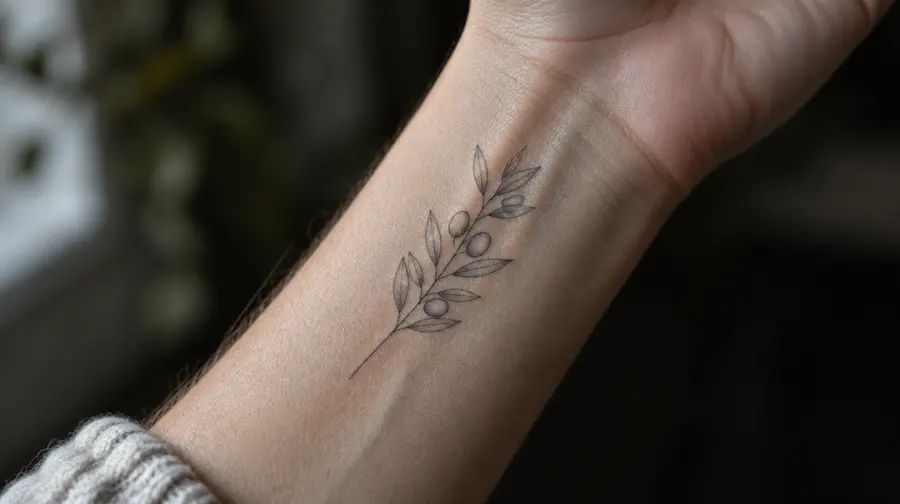
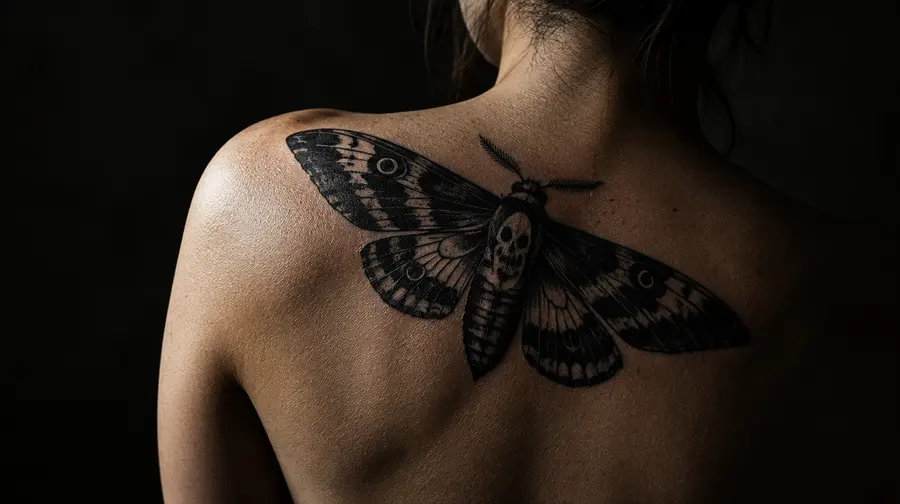
How each style ages, wherever you put it.
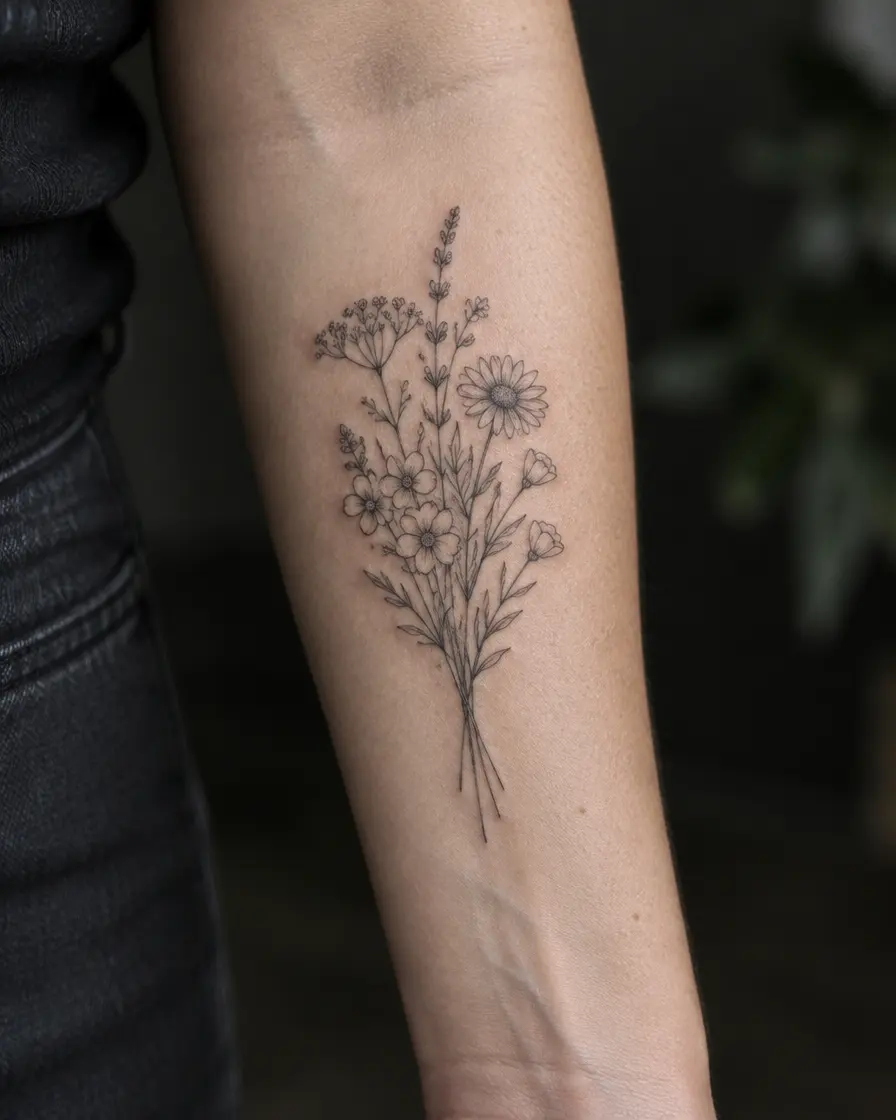
How it compares.
InkAge doesn’t replace your artist — it gets you to the consultation with a clearer idea.
Your photos are yours.
No advertising trackers, no third-party analytics, and nothing public unless you share it.
- You choose what’s sharedA vote link holds only the fresh and the 50-year image. Delete the preview and the link disappears.
- Delete everything, anytimeOne button in your profile removes your account and every saved preview.
Your data
Everything is free after sign-up.
All features, no card, no trial timer. We keep a fair daily limit so it stays free for everyone.
- Ageing previews at 1, 10, 30 and 50 years
- Longevity score and “Make it last” redraw
- Laser removal preview
- Videos, vote links and the PDF for your artist
Keep it on your home screen
Opens full screen like an app — no app store needed.
- 1Open the browser menu (⋮)
- 2Choose “Install app”
- 3Open InkAge from your home screen
Questions, answered.
All questionsIs InkAge really free?
Yes. During the beta every feature is free. To keep it that way we use a fair daily limit; if it’s reached, you can leave your e-mail and we’ll tell you when previews are back.
How accurate is the ageing?
It is an AI estimate based on how ink, skin and sun usually behave — not a measurement of your skin. Use it to compare designs, sizes and placements, and talk details through with your artist.
Do I need to sign up?
Not for your first preview. Sign in only if you want your previews on every device.
What photo works best?
Daylight, the spot in focus, filling most of the frame, without heavy filters. The app checks the light and focus for you.
Can I use a design I found online?
Yes — a screenshot, a sketch or even a photo of someone else’s tattoo. Remember that a design belongs to its artist: use it for inspiration and let your artist draw your own version.
Does it work on darker skin?
Yes. Every stage keeps your own skin tone. Our guide on tattoos on darker skin explains which colours and styles show best.
See it before it’s permanent.
Free after a one-tap sign-up with Google or Apple.